
Quick answer: Wazuh is a free, open-source security platform providing threat detection, log analysis, file-integrity monitoring, and compliance reporting — the capabilities usually sold as expensive enterprise SIEM. It's self-hosted, so your security telemetry stays on your infrastructure. The real cost isn't licensing; it's having someone to tune the rules and act on what it surfaces.
Wazuh: Open Source XDR and SIEM - From GitHub to Security
In today's complex cyber market, reliable security solutions are paramount. Enter Wazuh, a powerful open source security platform that unifies XDR and SIEM capabilities, providing enhanced SIEM protection for endpoints. From its humble beginnings on GitHub to its current status as a leading open source SIEM, Wazuh has become a cornerstone for security operations, offering unparalleled threat detection and incident response capabilities for enterprises of all sizes.
Introduction to Wazuh
What is Wazuh?
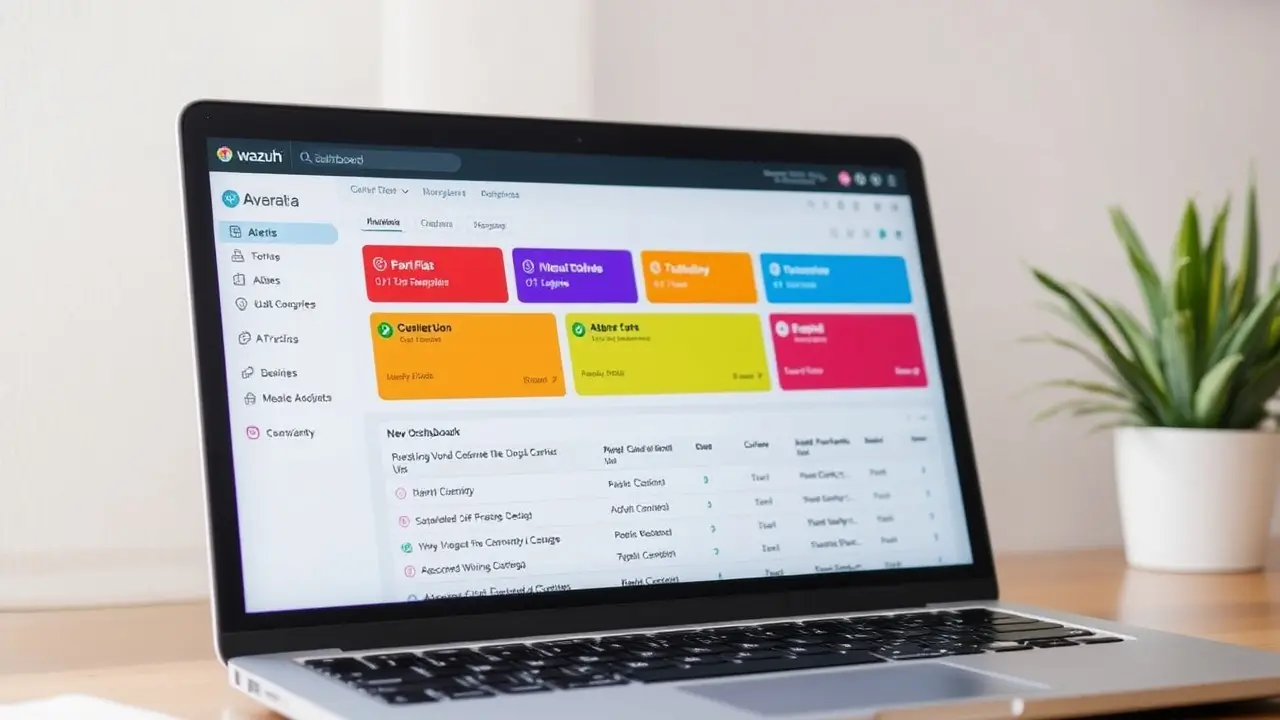
Wazuh is an open-source security solution that provides unified XDR and SIEM protection, making it a powerful tool in threat detection and response. It functions as an open source SIEM, correlating and analyzing log data from various sources to detect threats and vulnerabilities. It also acts as an XDR platform, extending its protection to endpoints and cloud workloads through the use of the Wazuh agent. The Wazuh server processes data received from agents, applying Wazuh rules for threat detection and sending alerts to the Wazuh dashboard, enabling security monitoring and active responses through the use of syslog.
Importance of Open Source in Cyber Security
The open source nature of Wazuh is fundamental to its success and adoption. Open source security solutions benefit from community support and transparency, allowing for continuous improvement and peer review. This fosters trust and enables organizations to customize and extend the platform to meet their specific needs. Open source also reduces vendor lock-in and provides greater flexibility in deploying Wazuh across diverse environments. Using Wazuh, organizations can use community-developed threat intelligence, enhancing their ability to detect threats.
Overview of Wazuh Features
Wazuh boasts a comprehensive suite of features designed to provide reliable XDR and SIEM protection. Key capabilities include intrusion detection, file integrity monitoring, vulnerability detection, and malware detection, all of which are enhanced by Wazuh's security controls. The Wazuh agent collects and analyzes log data, providing real-time security monitoring for endpoints and cloud environments. Integrated threat intelligence feeds enhance threat detection, while active responses automate incident response. The Wazuh API facilitates integration with other security tools, enabling a unified approach to security operations and cloud security. Through the Wazuh dashboard, users can easily visualize and analyze security data, facilitating effective threat hunting and using Wazuh support.
Wazuh SIEM System
Understanding SIEM and Its Role
Security Information and Event Management (SIEM) systems play a critical role in modern cybersecurity by providing a centralized platform for log management, security monitoring, and incident response. SIEM solutions aggregate log data from various sources, including network devices, servers, and applications. By correlating these logs, SIEM systems can detect threats, identify vulnerabilities, and provide actionable alerts. Using Wazuh as a SIEM enhances an organization’s ability to detect threats and respond effectively to security incidents. The open source nature of Wazuh offers a cost-effective and customizable alternative to proprietary SIEM solutions, further enhancing its appeal for security operations.
How Wazuh Implements SIEM Capabilities
Wazuh effectively implements SIEM capabilities by using its agent-based architecture and powerful log analysis engine. The Wazuh agent, deployed on endpoints and cloud workloads, collects log data and sends it to the Wazuh server for analysis. The Wazuh server uses Wazuh rules to correlate events, detect anomalies, and generate alerts. This unified XDR and SIEM protection allows for comprehensive threat detection across diverse environments. Wazuh’s file integrity monitoring module and intrusion detection capabilities further enhance its SIEM functionality, providing a holistic view of an organization’s security posture and ensuring comprehensive protection for endpoints and cloud.
Benefits of Using Wazuh for SIEM
Using Wazuh for SIEM offers numerous benefits. Its open source nature reduces costs and eliminates vendor lock-in, providing greater flexibility in deploying Wazuh. The platform's unified XDR capabilities extend security monitoring and threat detection to endpoints, cloud environments, and workloads, providing a comprehensive security solution. Wazuh's integrated threat intelligence and active responses automate incident response, reducing the time to detect and remediate threats. The Wazuh dashboard provides a centralized view of security data, facilitating threat hunting and improving overall security operations. With strong community support, Wazuh delivers reliable and scalable XDR and SIEM protection for enterprises of all sizes. Wazuh security also ensures comprehensive protection for endpoints and cloud environments, particularly in Google Cloud.
Wazuh Dashboard

Features of the Wazuh Dashboard
The Wazuh dashboard is a crucial component, offering a centralized interface for security monitoring, analysis, and incident response. It provides real-time visibility into security events, alerts, and system status, enabling security operations teams Wazuh's threat detection and response capabilities allow teams to quickly detect threats and respond effectively. The dashboard integrates cleanly with the Wazuh server, displaying data collected by the Wazuh agent deployed on endpoints and cloud workloads. Its customizable widgets and visualizations facilitate threat hunting and proactive security monitoring.
Visualizing Logs and Alerts
Visualizing logs and alerts is essential for effective threat detection. The Wazuh dashboard transforms raw log data into actionable insights through interactive charts, graphs, and tables. Security operations teams can quickly identify patterns, anomalies, and suspicious activities, enabling timely incident response. Customizable filters and search capabilities allow users to drill down into specific events and alerts, facilitating in-depth analysis. The ability to visualize log data in real-time enhances situational awareness and enables proactive threat hunting. Wazuh using its agent is a great way to collect logs.
Customizing the Wazuh Dashboard
The Wazuh dashboard is highly customizable, allowing users to tailor the interface to their specific needs, including compliance with PCI DSS. Users can create custom widgets, dashboards, and visualizations to display relevant security monitoring data. Role-based access control ensures that users only have access to the information they need, which is crucial for maintaining regulatory compliance. Customization extends to alerts and notifications, allowing users to define specific thresholds and triggers. The ability to customize the dashboard enhances its usability and ensures that security operations teams can quickly access the information they need to detect threats, analyze incidents, and respond effectively. This makes Wazuh a useful tool for organizations looking to implement effective security controls.
Deploying Wazuh
System Requirements for Deployment
Before deploying Wazuh, it is essential to understand the system requirements. The Wazuh server requires sufficient processing power, memory, and storage to handle the volume of log data generated by the Wazuh agent. The Wazuh dashboard also has specific system requirements for optimal performance. Ensure that the target environment meets these requirements to ensure a smooth and efficient deployment. Scalability considerations should also be taken into account, particularly for large enterprises with numerous endpoints and cloud environments, to ensure regulatory compliance. Wazuh can also be deployed on AWS cloud services.
Step-by-Step Guide to Deploy Wazuh
Deploying Wazuh comes down to a few steps: install the Wazuh indexer, server, and dashboard, then deploy agents on the endpoints you want to monitor. Many teams run the stack in Docker containers for easier management and upgrades. Set your firewall rules first, so the Wazuh server is reachable only from the networks and agents that should be talking to it.
- Install and configure the Wazuh server on a dedicated machine.
- Deploy the Wazuh agent on all endpoints and cloud workloads that need to be monitored.
Following deployment, configure the Wazuh agent to collect relevant log data and send it to the Wazuh server. Finally, configure the Wazuh dashboard to visualize security monitoring data and alerts. Thoroughly test the deployment to ensure that all components are working correctly and that threat detection is functioning as expected. This will ensure Wazuh Security across the enterprise.
Best Practices for Wazuh Deployment
Following best practices for Wazuh deployment is crucial for maximizing its effectiveness. Regularly update the Wazuh server, Wazuh agent, and Wazuh rules to ensure that you have the latest threat intelligence. Implement reliable access controls and authentication mechanisms to protect the Wazuh infrastructure. Monitor the performance of the Wazuh server and Wazuh dashboard to identify and resolve any bottlenecks, especially when integrating syslog data. Regularly review and refine your Wazuh rules to ensure that they are effectively detecting relevant threats. By following these best practices, organizations can use Wazuh for reliable XDR and SIEM protection.
Wazuh Capabilities and Use Cases
Endpoint Security with Wazuh
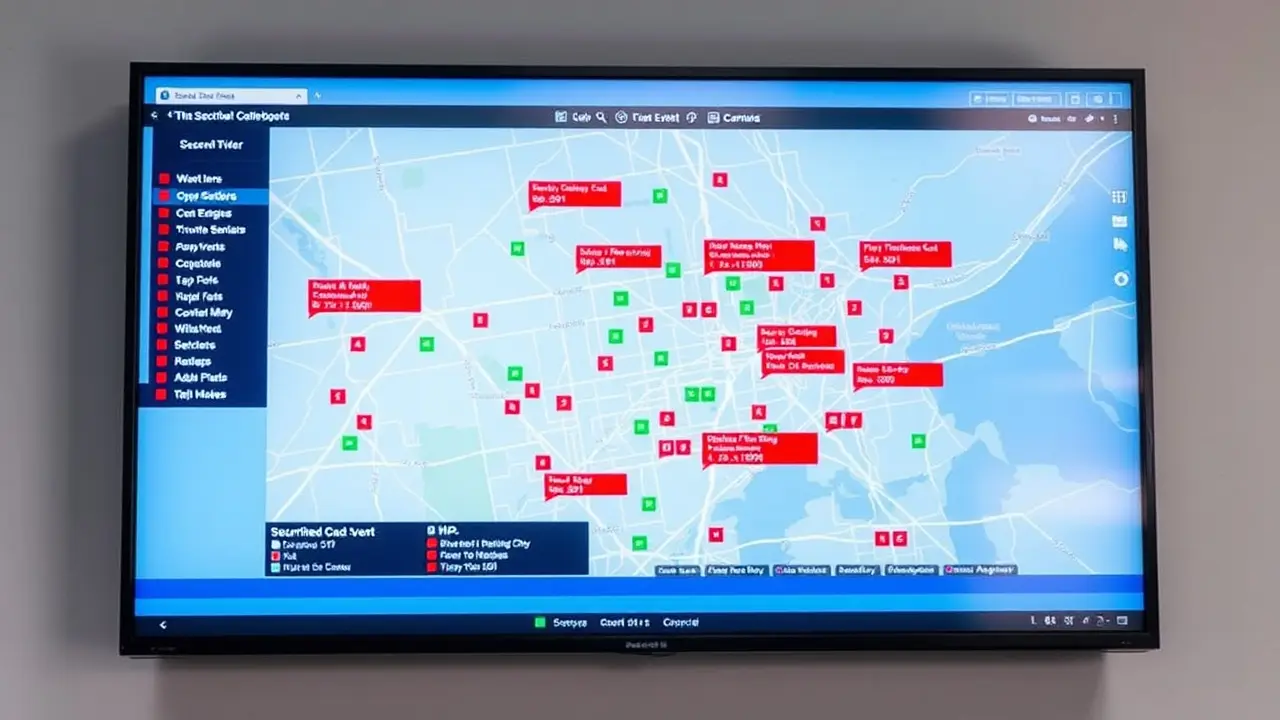
Wazuh excels in providing Wazuh provides reliable endpoint security solutions that enhance threat detection and response., offering reliable protection for endpoints and cloud. By deploying the Wazuh agent on each endpoint, the system gains real-time visibility into workload behavior, enabling rapid threat detection. Key features such as file integrity monitoring and intrusion detection ensure that unauthorized changes and malicious activities are promptly identified. This proactive approach minimizes the risk of data breaches and system compromise, making Wazuh an essential tool for modern security operations.
Monitoring Workloads in Real-Time
Real-time security monitoring of workloads is a critical aspect of Wazuh's capabilities. The Wazuh agent continuously collects and analyzes log data from various sources, providing immediate insights into system activity. This allows security operations teams to quickly detect threats, identify vulnerabilities, and respond to incidents as they occur. With its ability to process high volumes of data, Wazuh ensures that no suspicious activity goes unnoticed, enabling organizations to maintain a strong security posture in dynamic cloud environments. Using Wazuh is an efficient way of conducting security monitoring, especially with the support of the Wazuh team and its free and open source nature.
Integrating Wazuh with Other Tools
The Wazuh API facilitates clean integration with other security tools, enhancing its overall effectiveness in various Wazuh use cases. By integrating Wazuh with existing SIEM solutions, organizations can create a more comprehensive security monitoring ecosystem. This integration enables the sharing of threat intelligence, the automation of incident response workflows, and the streamlining of security operations. Whether it's integrating with ticketing systems or other threat detection platforms, Wazuh provides the flexibility needed to build a unified and responsive security infrastructure which is beneficial for enterprise environments.
Challenges and Solutions

Common Challenges in Using Wazuh
While Wazuh offers powerful XDR and SIEM protection, users may encounter certain challenges. Properly configuring the Wazuh agent and managing Wazuh rules can be complex, requiring a deep understanding of the platform. Scaling Wazuh to handle large cloud environments can also present challenges, necessitating careful planning and resource allocation. Interpreting log data and customizing the Wazuh dashboard to meet specific needs may require specialized expertise. However, these challenges can be addressed through training, documentation, and community support. Deploying Wazuh incorrectly can create issues.
Solutions and Troubleshooting Tips
To overcome the challenges of using Wazuh, several solutions and troubleshooting tips can be employed. These include a few key strategies:
- Regularly review and refine your Wazuh rules to ensure they accurately detect threats and minimize false positives.
- Use the Wazuh community and documentation for guidance on configuration and troubleshooting.
Consider using configuration management tools to automate the deployment and maintenance of the Wazuh agent. Regularly monitor the performance of the Wazuh server and Wazuh dashboard to identify and resolve any issues. With the proper approach, Wazuh security can be optimized for reliable detection and response.
Future of Wazuh in Cyber Security
The future of Wazuh in cyber security looks promising, driven by its open-source nature and continuous innovation. As threats evolve, Wazuh will likely incorporate advanced analytics and machine learning to enhance threat detection capabilities. Increased focus on cloud security and integration with emerging technologies such as containerization and serverless computing will further expand its utility. The open source community support will continue to play a crucial role in driving the development of Wazuh, ensuring it remains a leading open source SIEM solution for years to come. Wazuh security has a bright future.
Open-source security tooling is free to license and expensive to ignore — the cost is having someone tune it and act on what it surfaces. We will look at that whole picture in a free audit of your security stack. The same own-your-infrastructure logic drives our on-premise AI work for a litigation firm.
Frequently asked questions
Is Wazuh really free, and what does it actually cost to run?
Wazuh is free and open source, so there is no license fee and no vendor lock-in. The real cost is not licensing. It is having someone to tune the rules and act on what the platform surfaces, plus the infrastructure to run the server and store log data. Open-source security tooling is free to license and expensive to ignore, which is the trade you are actually making.
What can Wazuh do that a commercial SIEM does?
Wazuh provides threat detection, log analysis, file integrity monitoring and compliance reporting, the capabilities usually sold as expensive enterprise SIEM. It correlates and analyzes log data from multiple sources to detect threats and vulnerabilities, extends protection to endpoints and cloud workloads as an XDR platform, and automates incident response through active responses. Integrated threat intelligence feeds strengthen the detection side.
How are the Wazuh agent, server and dashboard related?
The agent is deployed on endpoints and cloud workloads, where it collects and analyzes log data and sends it to the server. The server processes what arrives, applies Wazuh rules to correlate events and detect anomalies, and generates alerts. The dashboard is the interface on top, giving real-time visibility into events, alerts and system status, with customizable widgets and search for drilling into specific incidents.
What is involved in deploying Wazuh?
Install the indexer, server and dashboard, then deploy agents on the endpoints you want to monitor. Many teams run the stack in Docker containers for easier management and upgrades. Set firewall rules first, so the server is reachable only from the networks and agents that should be talking to it. Then configure agents to collect the right logs and test that detection actually fires as expected.
What are the hardest parts of running Wazuh?
Configuring agents and managing rules is genuinely complex and needs a real understanding of the platform. Scaling to large cloud environments takes planning and resource allocation. Interpreting log data and customizing the dashboard often requires specialized expertise. Community documentation, configuration management tools for automating agent deployment, and regular rule review are the practical answers to most of it.
Can Wazuh help with regulatory compliance?
Yes. File integrity monitoring, security controls and reporting support compliance work, and the dashboard can be customized around requirements such as PCI DSS. Role-based access control ensures users only see the information they need, which itself matters for maintaining compliance. Alerts and notifications can be tuned to your own thresholds and triggers so the evidence reflects the controls you actually run.
Can Wazuh work alongside security tools we already have?
Yes. The Wazuh API enables integration with other security tools, so you can feed an existing SIEM, connect a ticketing system, or share threat intelligence across platforms. That flexibility is what lets Wazuh sit inside an existing security stack rather than replacing it, automating incident response workflows across the tools your team already uses instead of adding another isolated console.